In today’s digital world, privacy is more important than ever. Our smartphones store personal photos, chats, apps, and even financial information. Sometimes, you may want to hide certain apps or protect sensitive data from others. That’s where clock lock apps come in.
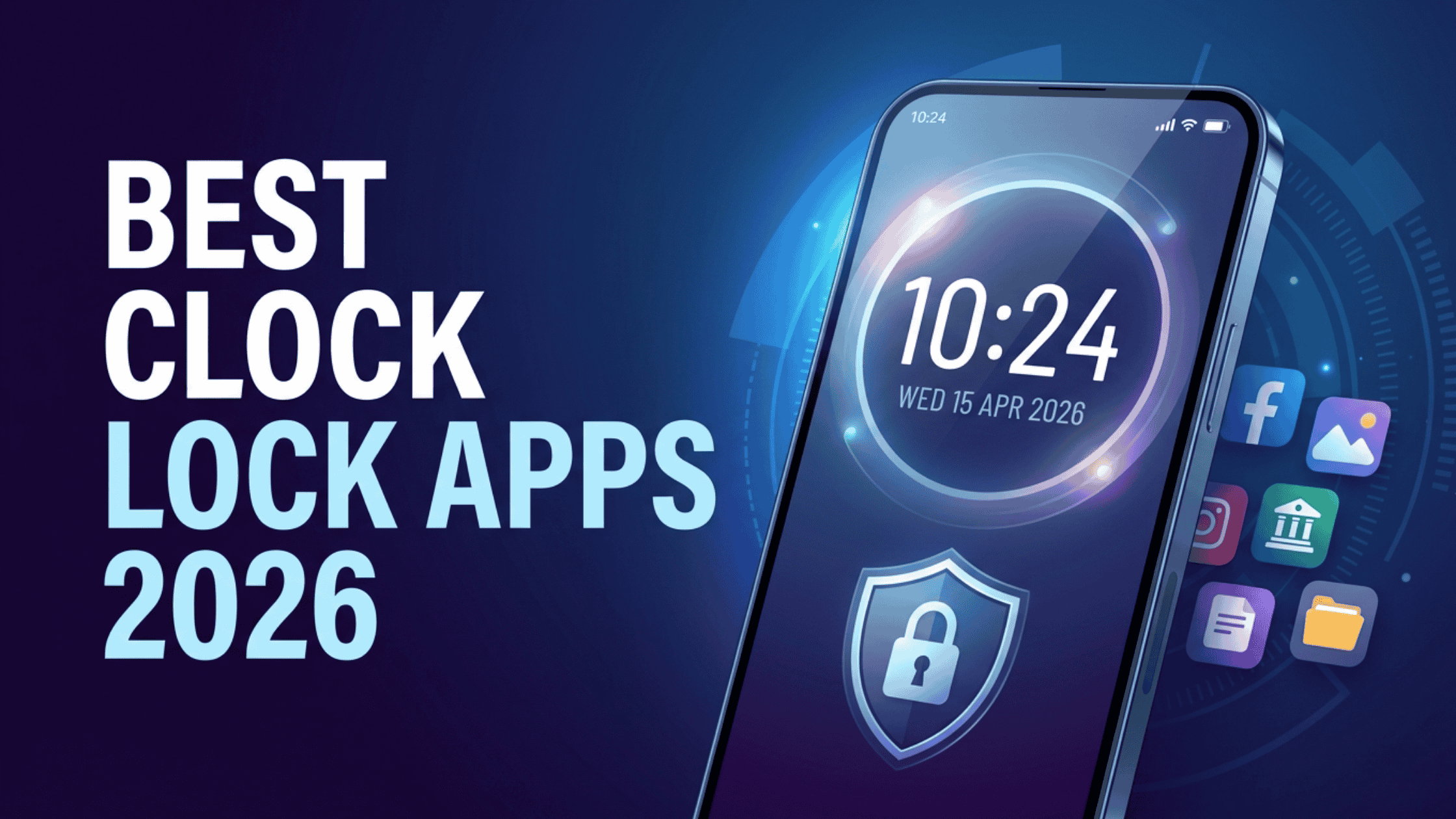
If you’re looking for the Best Clock Lock Apps for Android in 2026, you’re in the right place. These apps help you lock, hide, and protect your private content smartly and securely, often disguised as a simple clock or calculator.
What is a Clock Lock App and How Does It Work?
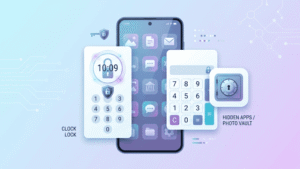
A clock lock app is a privacy tool that looks like a normal app (such as a clock or calculator) but actually hides your private data behind it.
When someone opens the app, it appears harmless. But when you enter a secret code or pattern, it unlocks hidden apps, photos, or files.
How it works:
- Disguises itself as a clock or calculator
- Requires a PIN, pattern, or fingerprint to unlock
- Hides apps, photos, and videos
- Keeps your data private and secure
Example:
Imagine someone borrows your phone. They open the clock app but see nothing unusual. Only you know that entering a secret code unlocks your hidden content.
Top 5 Best Clock Lock Apps for Android in 2026
Here are the most popular and trusted apps you can use:
1. Clock Vault
Overview:
Clock Vault is one of the most popular apps for hiding photos, videos, and apps. It looks like a simple clock, but it works as a secure vault.
Key Features:
- Disguised as a clock
- Hide photos, videos, and apps
- PIN and pattern protection
- Unknown person selfie feature
- Private browser
Pros:
- Easy to use
- Strong privacy features
- Works smoothly on most devices
Cons:
- Ads in the free version
Why choose it:
If you want a simple yet powerful app, Clock Vault is a great choice for beginners.
2. AppLock by DoMobile
Overview:
AppLock is a well-known app that lets you lock apps and protect your privacy easily.
Key Features:
- Lock apps with PIN or fingerprint
- Hide photos and videos
- Custom themes
- Security alert
Pros:
- Lightweight and fast
- Highly customizable
- Trusted by millions
Cons:
- Not fully disguised like a clock
Why choose it:
Perfect for users who want a reliable app lock with strong protection.
3. Smart Hide Calculator
Overview:
This app looks like a calculator, but it works as a hidden vault for apps and files.
Key Features:
- Calculator-style interface
- Hide apps and media
- Password protection
- Easy app cloning
Pros:
- Very discreet design
- Simple setup
- Good performance
Cons:
- Limited advanced features
Why choose it:
Great for users who want a simple and hidden app lock solution.
4. Vault App
Overview:
Vault App is designed to protect your private data, including photos, videos, and contacts.
Key Features:
- Hide photos and videos
- Cloud backup support
- Private browser
- Password protection
Pros:
- Cloud backup option
- Clean interface
- Multi-layer security
Cons:
- Some features require the premium version
Why choose it:
Ideal if you want extra backup and data protection features.
5. Calculator Lock
Overview:
Calculator Lock is another popular app that hides your data behind a calculator interface.
Key Features:
- Disguised as a calculator
- Hide apps and files
- Fingerprint unlock
- Fake vault option
Pros:
- Strong security features
- Easy to use
- Clean design
Cons:
- Ads in the free version
Why choose it:
A great option if you want both privacy and a realistic disguise.
These apps work best on a smooth device. If your phone feels slow, you can read our guide on Easy Tricks to Enhance RAM on Any Smartphone to speed things up.
How to Set Up a Clock Lock App on Android
Setting up a clock lock app is very easy. Just follow these simple steps:
- Open the Google Play Store
- Search for your preferred clock lock app
- Tap Install
- Open the app after installation
- Set a PIN, pattern, or password
- Grant required permissions
- Select apps or files you want to hide
That’s it! Your private data is now secure.
Advanced Features You Should Look for in a Clock Lock App
When choosing the Best Clock Lock Apps for Android in 2026, look for these advanced features:
Fake Vault
This feature shows fake content if someone enters the wrong password. It adds an extra layer of privacy.
Fingerprint Lock
Using your fingerprint makes unlocking faster and more secure.
Intruder Selfie
If someone tries to open your vault with the wrong password, the app takes a photo of them.
Cloud Backup
This allows you to save your hidden data online, so you don’t lose it if your phone is reset.
App Hiding
Some apps can completely hide other apps from your phone’s main screen.
Common Mistakes to Avoid When Using Clock Lock Apps
Even the best apps won’t help if used incorrectly. Here are some mistakes to avoid:
- Using weak passwords: Always use a strong PIN or pattern
- Forgetting your password: Keep a backup or recovery option
- Not updating the app: Updates improve security and performance
- Granting unnecessary permissions: Only allow what’s needed
- Relying on one app only: Always keep a backup of important data
Conclusion
Choosing the Best Clock Lock Apps for Android in 2026 can significantly enhance your smartphone’s privacy and security. These apps help you hide sensitive data, lock apps, and keep your personal information safe from unwanted access.
Whether you prefer a clock-style vault or a calculator disguise, there are plenty of reliable options available. Just make sure to use strong passwords, enable security features, and keep your apps up to date.
Start using a clock lock app today and take control of your privacy because your personal data deserves to stay private.