I was three hours into a random Tuesday night session, just parking trucks in a virtual village, when I noticed a weird icon near the temple area. I tapped it out of curiosity, and the next thing I knew, my character was sitting on top of an elephant, walking through crop fields like it was the most normal thing in the world. That is how I found out Indian Vehicles Simulator 3D by AN Gaming Studio was not just another truck driving app buried in the Play Store.
I had downloaded it expecting basic Indian truck and bus routes, the kind of game you play for ten minutes and forget about. Instead, I ended up staying up way later than I planned, riding animals, joining tractor rope pulls, and lighting digital Diwali crackers in a farming field. If you have not tried it yet, let me walk you through what actually happens when you play this thing.
Wait, You Can Ride an Elephant in a Driving Game?
Yes, and it actually caught me off guard the first time. Indian Vehicles Simulator 3D is technically a vehicle simulator, but it also lets you hop off your truck and ride an elephant or a horse through the open world map.
The elephant movement feels slow and heavy, which honestly makes sense and adds to the fun. I remember trying to squeeze my elephant through a narrow village alley and getting stuck between two houses for a solid two minutes, laughing at my own screen the whole time.
The horse covers ground much faster than the elephant, and if I just wanted to cut across the jungle or reach the desert map without fussing over which vehicle to spawn, the horse got me there without any of that waiting around.
My honest tip here is to try animal riding early in the jungle map. The terrain there is uneven and gives you a real feel for how the physics work before you take an elephant into tighter city streets.
Tochan Mode Turned Into My Guilty Pleasure
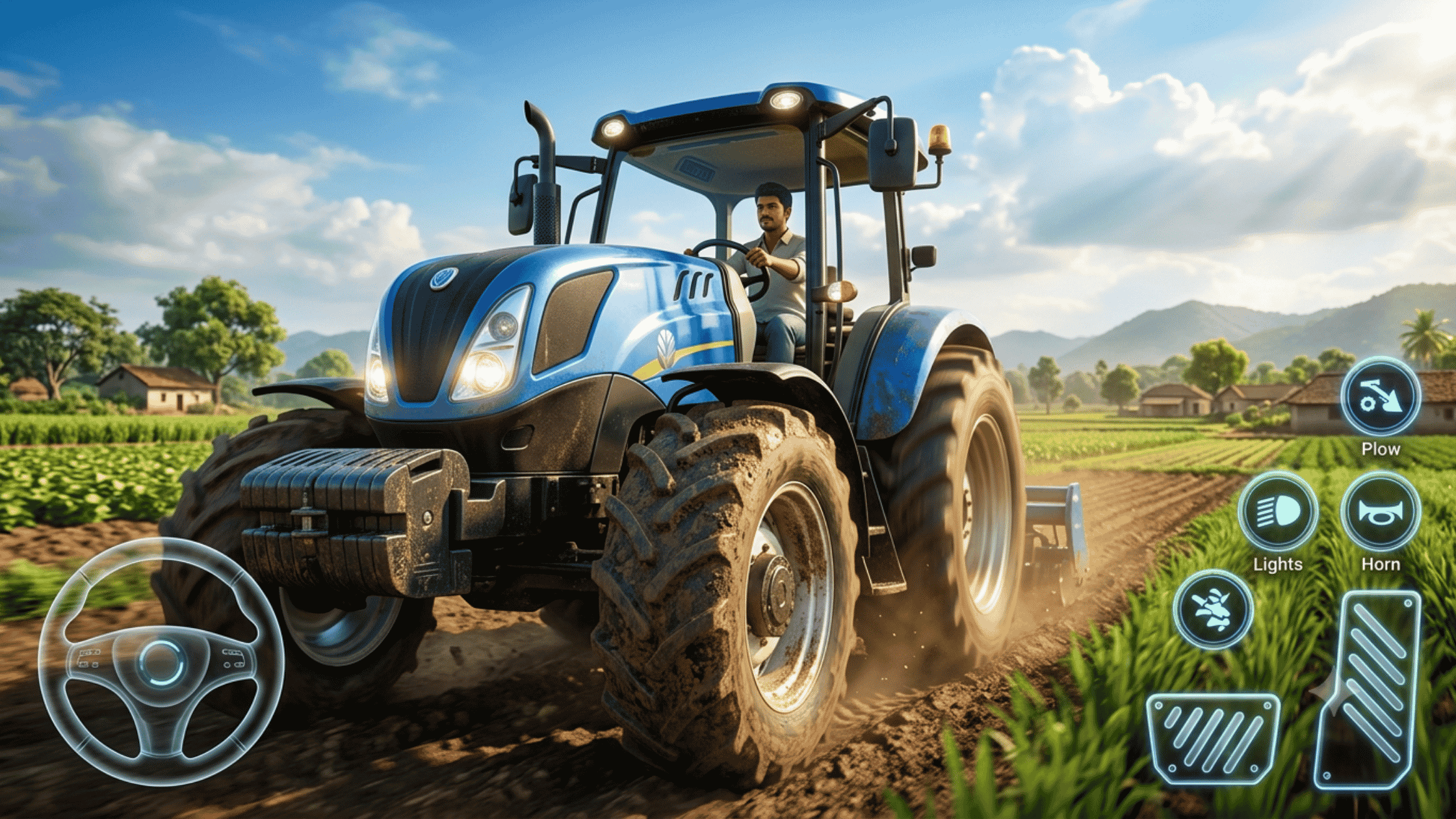
I did not expect a tractor tug-of-war mode to become the reason I kept opening this app every evening, but here we are. Tochan mode in Indian Vehicles Simulator 3D pits your vehicle against another in a straight-up pulling contest, and it is more strategic than it looks.
The first few times I played Tochan, I picked the flashiest-looking tractor and lost badly. Turns out visual upgrades do not matter as much as tire grip and engine power in this mode.
After switching to a heavier tractor with wider wheels, my win rate improved noticeably. My real advice is to check the power stats before a Tochan match instead of choosing based on paint color, because that mistake cost me several early losses.
There is also a small timing trick where releasing and reapplying the throttle in short bursts helps you gain traction on dirt terrain. It took me a while to figure that out through trial and error, and no tutorial in the game actually explains it.
Diwali Crackers and Festival Vibes That Felt Oddly Personal
One evening, I loaded into the village map, and the whole place was lit up with festival decorations and cracker effects. Indian Vehicles Simulator 3D includes Diwali-themed events where you can light virtual crackers around the farm and village areas.
It sounds like a small detail, but the sound design here is surprisingly well done. Hearing crackers pop while driving a decorated truck through a festival-lit street made the whole session feel more alive than I expected from a simulator app.
If your device struggles with particle effects, turning down the graphics quality slightly before entering festival areas helps avoid frame drops. I learned this after my phone stuttered badly during a cracker-heavy scene on default high settings.
Farming Mode Is More Detailed Than I Thought
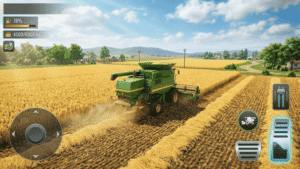
Beyond trucks and buses, Indian Vehicles Simulator 3D has a farming mode where you drive tractors and harvesters across open fields. My first harvester run was a mess because I did not realize the cutting width mattered for how efficiently you clear a field.
Once I understood that driving in straight, overlapping lines saves both time and in-game fuel, the farming missions became far less frustrating. Small thing, but it made a real difference in how fast I finished each task.
I would recommend new players start farming missions in daylight hours within the game, since visibility on the crop fields drops a lot during the in-game rain or foggy weather.
Exploring Every Map Without Getting Bored
The open world here spans village, city, jungle, desert, mountain, and even an airport map. Each one has a distinct feel, and honestly, the desert map surprised me the most with how empty and quiet it is compared to the busy city streets.
The mountain map has some seriously tricky roads with sharp turns, and I have lost more than one truck off a cliff edge there because I misjudged a curve at high speed. Slowing down before a mountain turn sounds obvious, but it is easy to forget when you are used to flat city driving.
The airport map feels different from the rest since it is more open and built for larger vehicles. I found it a good spot to test heavier trucks without worrying about tight village corners.
Dynamic Weather Changed How I Play
Rain, snow, hail, sandstorms, and fog all show up depending on the map and conditions, and each one actually changes how your vehicle handles. Driving through a sandstorm on the desert map with almost zero visibility taught me to slow down and rely more on the mini map than my actual screen view.
Snow on the mountain map makes tires slip more, and I definitely learned that the hard way after sliding off a narrow mountain path during a delivery mission. Hail was the one that caught me most off guard, since it showed up suddenly during a normal city drive and reduced my visibility within seconds.
My practical tip is to check the weather indicator before starting any timed mission, because getting caught in fog or a sandstorm partway through can eat up minutes you cannot get back.
Customizing Vehicles the Way I Actually Wanted
The customization options in Indian Vehicles Simulator 3D let you change the color, number plate text, wheel size, and add accessories to most vehicles. I spent an embarrassing amount of time just designing number plates before actually driving anywhere.
Bigger wheels look great, but I noticed they can slightly affect handling on tighter village roads. If you are new to the game, I would suggest testing wheel size changes on the open highway sections first before committing to them for city missions.
Color changes and accessories are mostly cosmetic, so feel free to experiment there without worrying about performance.
The AI Mod Feature Is Worth Trying
AN Gaming Studio recently added an AI mod feature, and it actually adds more life to the traffic and surrounding vehicles in the open world. Roads feel less empty, and other vehicles react a bit more naturally to your driving compared to before.
I noticed it does add a small amount of extra load on the game, so if you are on an older device, keep an eye on your frame rate after turning this on. It is a nice touch overall, but not something I would force on a low end phone if performance already feels shaky.
Real Talk About Performance and Battery
I tested this on a mid-range Android phone, and long sessions past an hour did cause noticeable battery drain, which is normal for any open world mobile game with this much going on. FPS drops became more common on crowded city maps or during heavy weather effects like sandstorms and rain, combined with traffic.
Lowering shadow quality and turning off some particle effects in the settings menu helped smooth things out without ruining the visuals too much. Storage is another thing to plan for, since the game, with all its maps and vehicles, takes up a decent chunk of space, so clearing unused apps beforehand is a smart move.
Control sensitivity took me a bit of tuning, too. The default steering felt too twitchy for me on tight village roads, so I lowered the sensitivity slightly in settings, which made turns feel far more predictable.
Common Mistakes I Made So You Do Not Have To
Ignoring vehicle stats before Tochan matches cost me early wins that I could have easily had with a smarter pick.
Driving into changing weather without checking the forecast icon ruined a couple of timed missions I was otherwise doing well in.
I maxed out the graphics settings right away instead of testing performance gradually, which led to unnecessary lag during my first few sessions. Starting on lower settings and increasing gradually would have saved me some frustration early on.
The Kind of Player Who Will Love This Game
If you enjoy open-world driving games but want something with more personality than the average truck simulator, Indian Vehicles Simulator 3D delivers that in a way I did not expect going in. The mix of animal riding, farming, festival features, and Tochan mode gives it a variety that most driving apps in this category simply do not have.
It is not a perfect game, and there are moments where performance on older devices needs some adjusting through the settings menu. But between accidentally getting my elephant stuck in a village alley and slowly figuring out Tochan strategy through repeated losses, this ended up being one of those mobile games that stuck with me longer than I thought it would.